
Customer bank payments
Receive bank transfers or create a euro Open Banking payment link. Customers pay from their bank without needing a Quantoz account.

Payments & collections
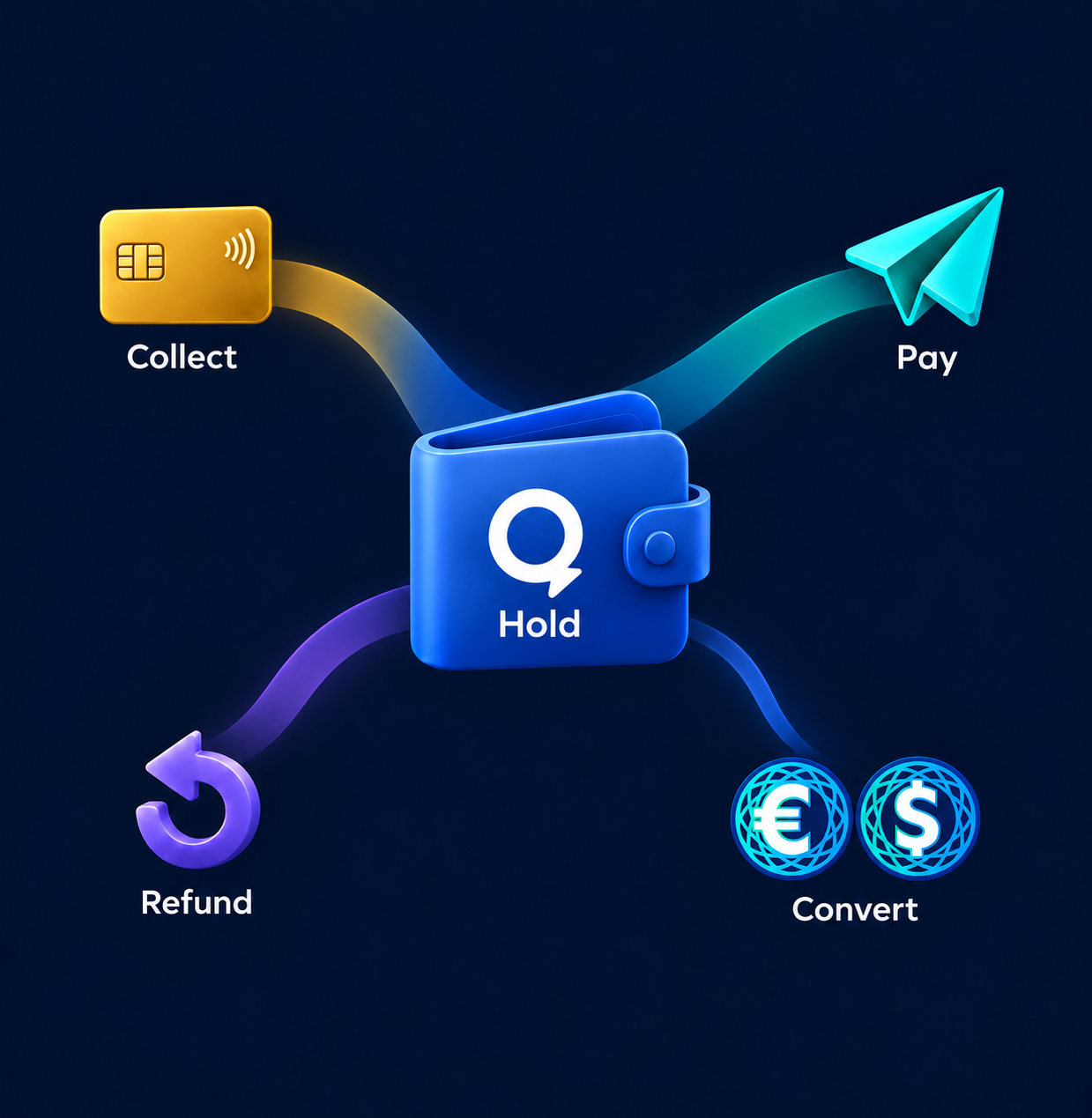
Collect revenue, make payments, issue refunds and convert to stablecoins through one regulated digital money account.
01 / Collections
Collect your business revenue through a dedicated virtual IBAN.
Two ways to collect
Receive bank transfers or create a euro Open Banking payment link. Customers pay from their bank without needing a Quantoz account.

Receive sales revenue from an existing payment provider, including card payments. Card processing stays with the provider.

Dedicated virtual IBAN
02 / E-money checkout
For payment providers, acquirers and checkout platforms.

Pays from an e-money balance or token wallet.
Connects checkout to Quantoz.

In its own Quantoz account, in seconds, 24/7.
Token payments follow network confirmation times.
QuantozNo card scheme or interchange costs apply to the e-money payment; other service and network fees may apply.
03 / Refunds
Retailers can offer e-money alongside a refund to the original payment method. Shoppers who choose e-money receive it in their own Quantoz account.
Timing depends on the payment method.
If not already completed.
Credited to the shopper's Quantoz account.
Bank withdrawals follow bank processing times.
04 / Send payments
E-money balance
 Account to account
EURQ / USDQ tokens

 Your tokens
No Quantoz account required
Subject to network confirmation
05 / Integration & control
Operate in a browser or connect your business systems.
Single & batch payments
In your browser
Payments from
business systems
Convert on request, or set a percentage of incoming revenue to convert automatically into EURQ or USDQ. If currency conversion is needed, it happens before token issuance, at the rate fixed when the conversion is instructed.
How token issuance worksCollections carry a percentage fee on the amount received, with a minimum per transaction. Commercial terms depend on volumes, currencies, rails and enabled functions. In an embedded checkout, the payment provider sets its own merchant pricing. Other applicable service and network charges are separate.
How pricing worksOnboarding, currencies, jurisdictions, limits and the functions your account can use. Test the complete payment flow before production activity.
Explore the integration routeCollections are for revenue from goods and services your business sells, including settlements from its payment providers. This account is not for collecting money on behalf of other businesses. Own-account funding is a separate function.
Explore merchant accounts through an embedded arrangementWhere collections and collection refunds are enabled, a euro collection refund goes back to the IBAN it came from. This is separate from offering a shopper an e-money refund.
Collection and refund functionsBuild with Quantoz