Account paymentsSend to another
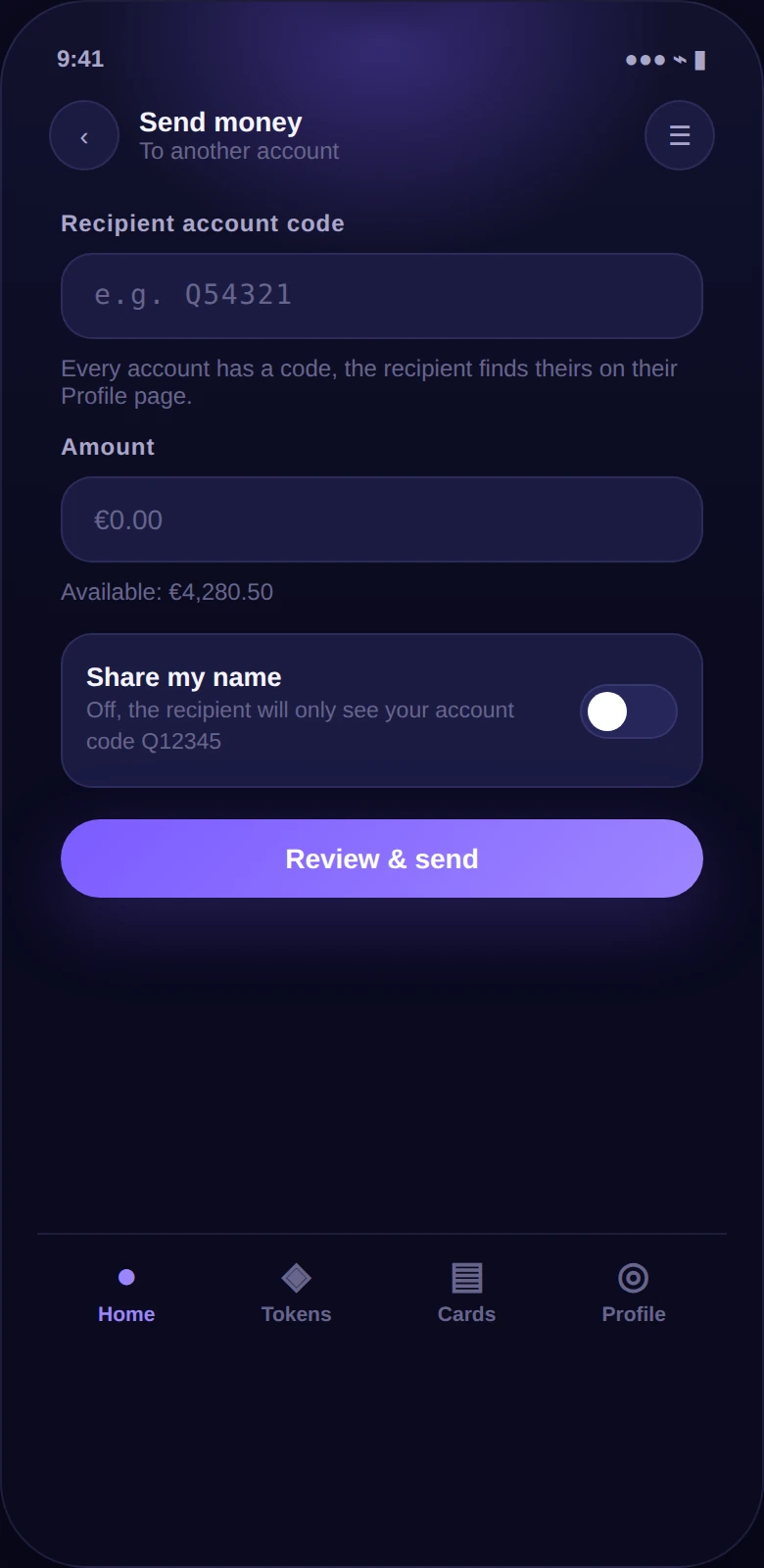
Send to another
Quantoz customer.
Use their account code, enter an amount and review your payment before sending.
Account transfers settle in under a second, 24/7.
Quantoz Wallet
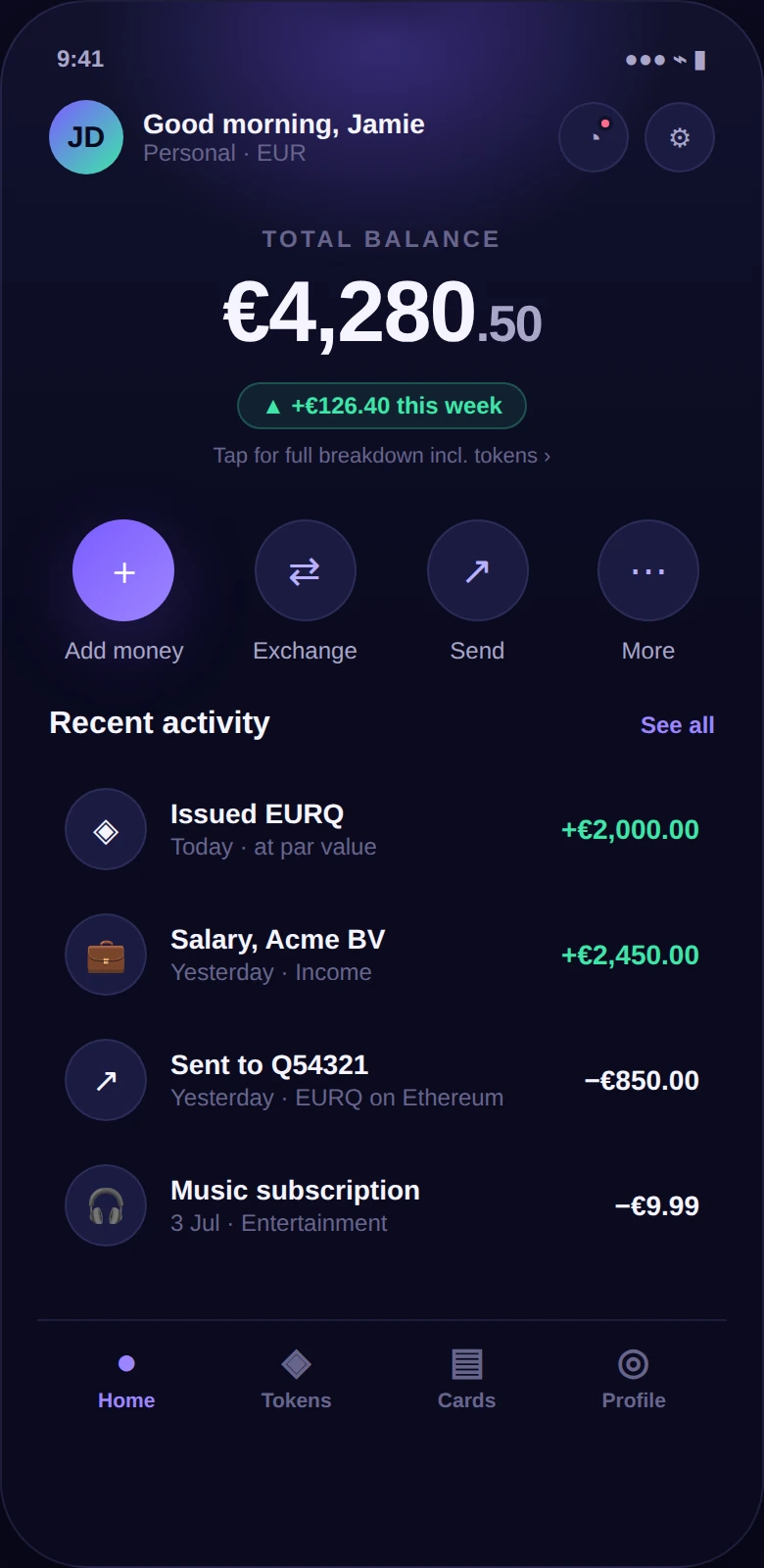
Your Quantoz account connects euros and dollars with regulated stablecoins. Add money, send payments and move between your balance and your own blockchain wallet.
01 / How money moves
Fund from and withdraw to your own bank account.
SEPA in euros · SWIFT in dollars
Your regulated e-money balance, accessed through the app.
Held with Quantoz Payments
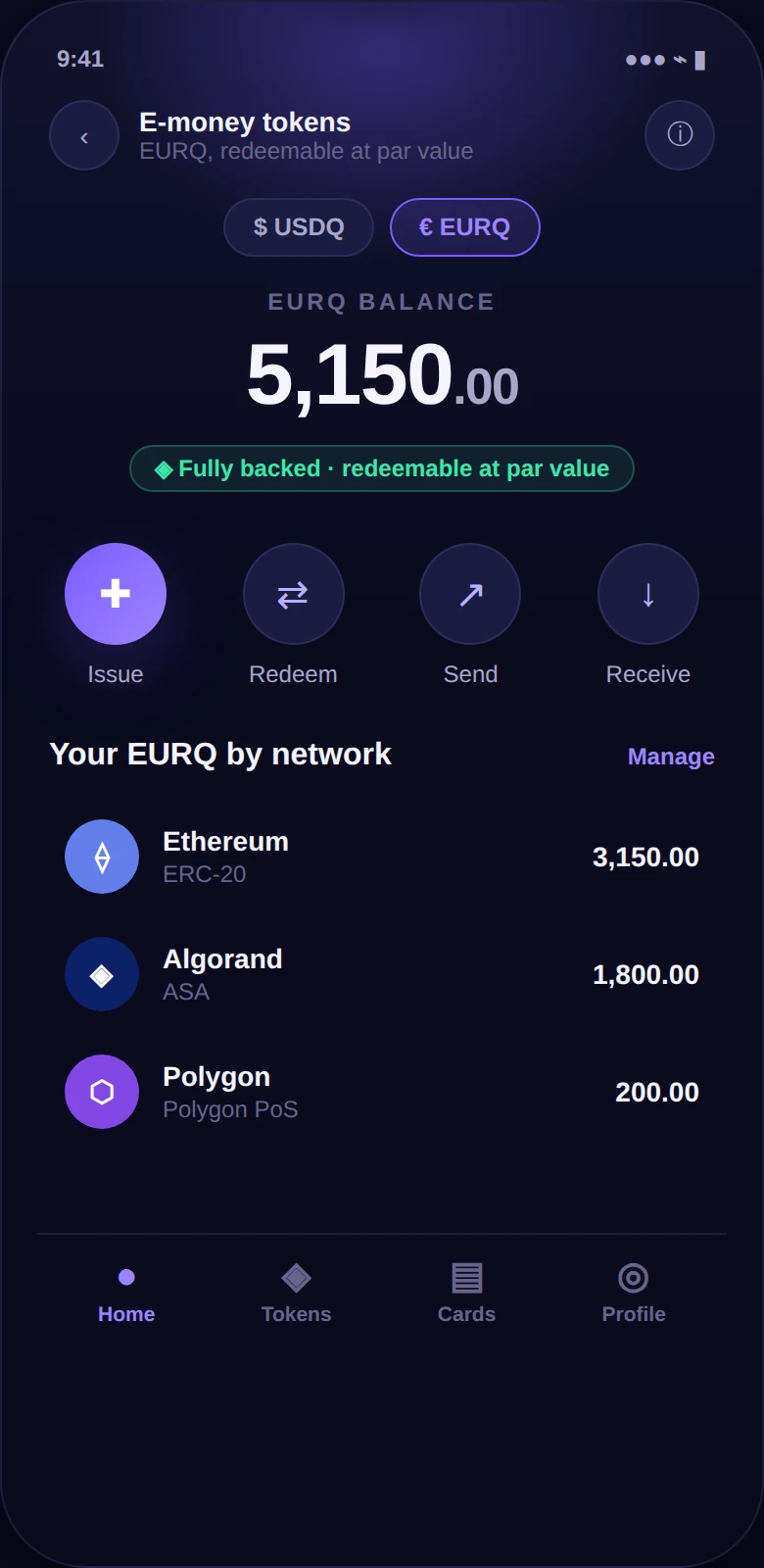
Tokens at a verified address you control, or with your chosen custodian.
Separate from your Quantoz account02 / At your fingertips
Use their account code, enter an amount and review your payment before sending.
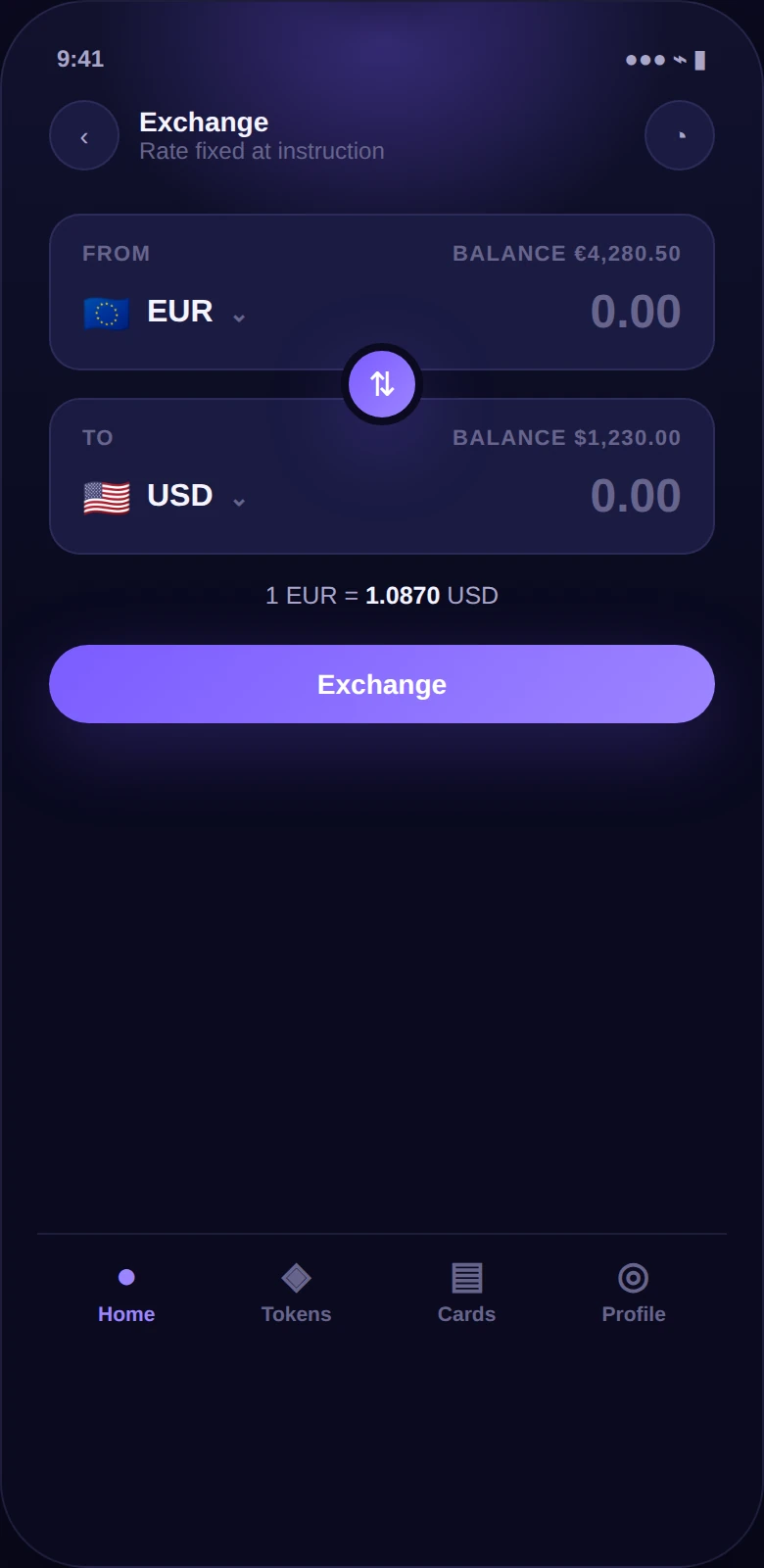
Convert between your own supported currency balances before your next payment or token issuance.
03 / Your wallet & keys
Sign a message to prove control of your blockchain address. Quantoz receives the signature, never your private key or recovery phrase.
Explore tokens & networksSelect your blockchain wallet and approve the connection.
Approve the verification message in your own wallet.
Use the verified address for tokens. Approve redemption in your wallet.
04 / Ways to access
Balances, payments and secure approvals in your pocket.
Get the appManage accounts, transaction history and user access.
Open the portalInstruct authorised money flows from your own systems.
Start integratingBring accounts in customers' own names into your product.
Explore partnershipsYour account follows you.Move between the app and portal with the same balances and history.05 / A regulated foundation
Quantoz Payments B.V. is an Electronic Money Institution supervised by De Nederlandsche Bank.
About Quantoz →Money backing your e-money is held separately from Quantoz Payments' own funds.
How safeguarding works →EURQ and USDQ holders can redeem against the issuer at any time, at face value in the token's currency.
Token redemption →Electronic money is not a bank deposit and is not covered by a deposit guarantee scheme. Bank payout is a separate processing step.
Common questions
Download the Quantoz Wallet app and complete registration and identity verification. Availability depends on your jurisdiction. For a business account, contact the team to arrange onboarding.
You can use your Quantoz account for account payments without one. To hold EURQ or USDQ on a blockchain, connect a compatible wallet or arrange a custodian address. Direct issuance requires a verified address.
Fund from your own bank account using the instructions provided for your account. Supported rails include SEPA for euros and SWIFT for dollars. Withdrawals return to your verified own bank account; bank processing times apply.
No. EURQ is redeemable at €1 and USDQ at $1 per token. Converting between euros and dollars is a separate foreign exchange transaction. See redemption information for the process.
Service fees depend on the applicable terms and account agreement; blockchain transactions can also incur network fees. Exchanging into assets Quantoz does not issue is provided by third parties under their own terms. See the account and token terms.
Get Quantoz Wallet
Open your personal account in the app.
Discuss your account, payment flows or integration with our team.
Talk to us